

• About Us
    • ATS Blog
    • Staff Directory
    • Contact Us
  • Workshops and Events
  • For Students
Academic Technology Solutions
  • Who We Are
    • Learning Design Team
    • Instructional Technology Assistants
    • Audio-Visual Services Team
    • Center for Digital Accessibility
    • Staff Directory
    • Our Partners
  • What We Offer
    • Audio-Visual Services
    • Accessibility Training and Resources
    • Instructional Design
    • Multimedia Development
    • Office Hours
    • Workshops and Events
  • Tools We Support
    • Teaching Tools
    • Accessibility Tools
    • Canvas
    • Panopto
  • Resources
    • ATS Blog
    • ATS Newsletter
    • AV Training Videos
    • Generative AI
    • Detection Software
    • Podcasting
    • Course Accessibility Guide
    • Aim for Accessible
  • Contact Us
    • General Contact Form
    • Request an Instructional Design Consultation
    • Request a CDA Consultation
Select Page
Digital Tools for Teaching Writing, Part 3: Workshop, Feedback, and Revision

Digital Tools for Teaching Writing, Part 3: Workshop, Feedback, and Revision

by Sarah McDaniel | Feb 9, 2024 | How-tos, Instructional design, Pedagogy

This three-part series explores a wide range of digital tools and pedagogical strategies that support writing instruction. The first post offered an approach to writing – and to writing instruction – as a process; the second post examined the development and drafting...
VR and AR Technologies for Innovative Teaching: Oculus Quest and Sketchfab

VR and AR Technologies for Innovative Teaching: Oculus Quest and Sketchfab

by Ziting Wang | Jan 25, 2024 | Instructional design, Pedagogy, Visualization

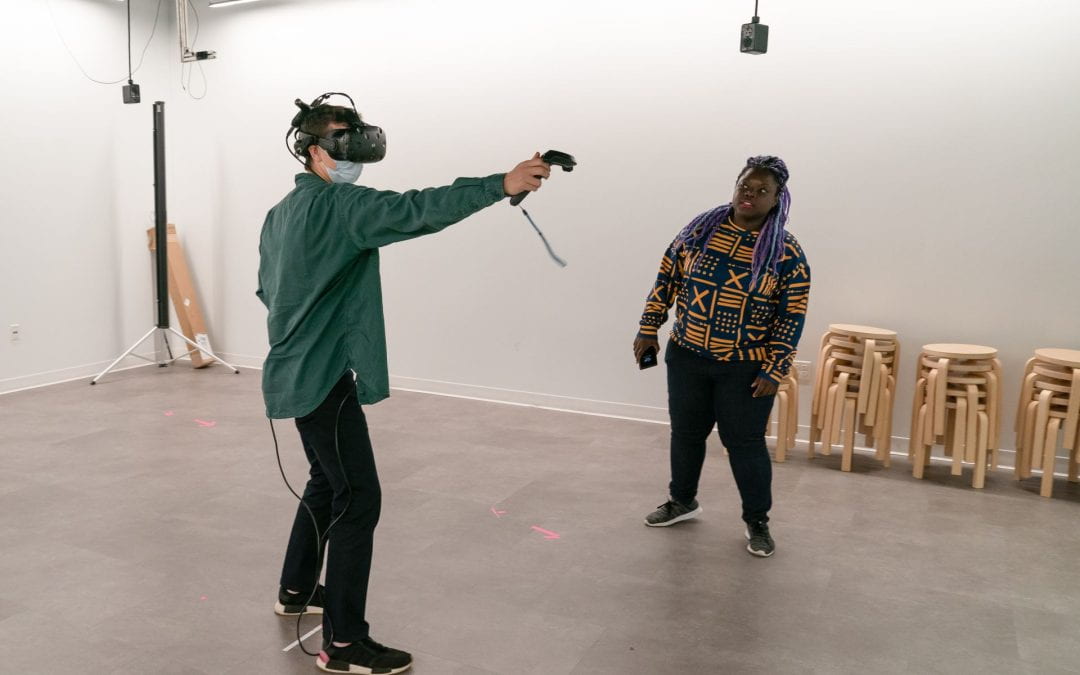
Virtual Reality (VR) and Augmented Reality (AR) present opportunities for creative teaching in higher education, making learning more interactive, engaging, and effective. While VR devices place users in a fully simulated three-dimensional environment, AR overlays...
Navigate the AI Conversation: Talking To Your Students About AI

Navigate the AI Conversation: Talking To Your Students About AI

by Tessa May Webb | Dec 21, 2023 | Instructional design, Pedagogy

It’s the elephant in the classroom. According to a recent survey of 1,000 college students conducted by the online magazine Intelligent, 30% of college students have used ChatGPT on written assignments.  Interestingly, the study found that three-quarters of...

Digital Technology and Critical Pedagogy: Ungrading with Digital Tools

Digital Technology and Critical Pedagogy: Ungrading with Digital Tools

by Thomas Keith | Dec 19, 2023 | Canvas, Canvas Features/Functions, Instructional design, Pedagogy, Services, Universal Design for Learning

This is the second installment in an ongoing series on the intersection of critical pedagogy and digital tools. The author wishes to thank instructional designers Michael Hernandez and Joe Olivier for their valuable comments and suggestions. Introduction: What Is...

Effective Design Principles and Accessibility for Gamifying Your Classes

Effective Design Principles and Accessibility for Gamifying Your Classes

by Ziting Wang | Nov 8, 2023 | Digital Accessibility, How-tos, Instructional design, Pedagogy

Want to engage your students by incorporating gamification into your classes? This blog post shares four design principles for creating gamified activities and discusses factors to consider in order to design with accessibility in mind. Design Principles Breaking down...
Try IT Event Series Continues: Explore Classroom Polling

Try IT Event Series Continues: Explore Classroom Polling

by Thomas Keith | Oct 26, 2023 | Events, Instructional design, Services, Try IT

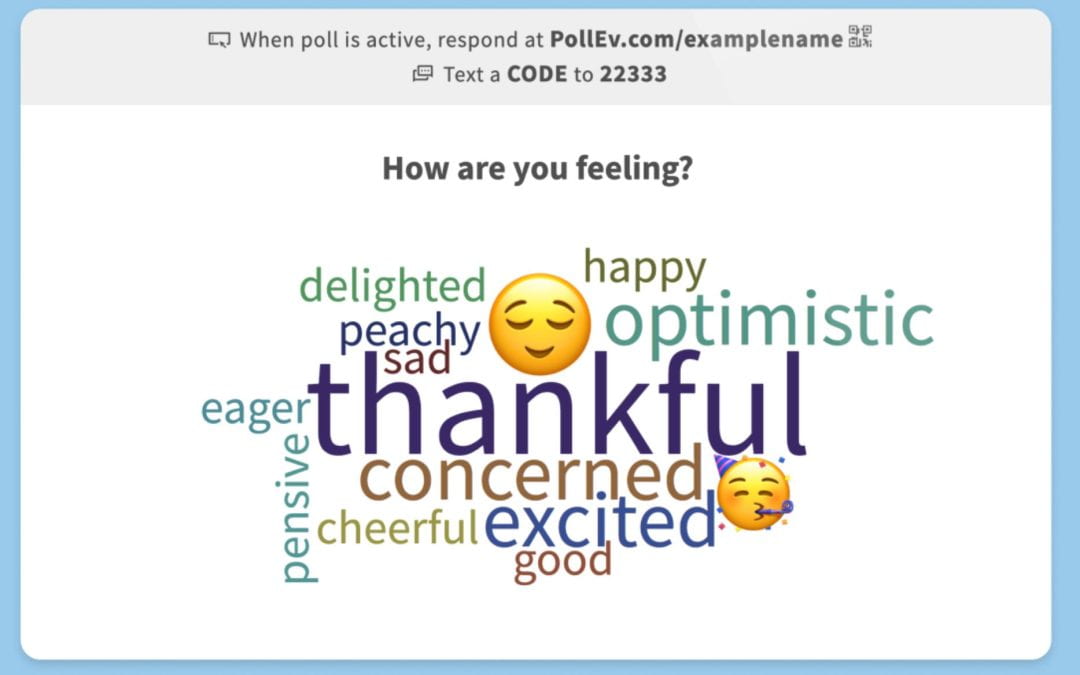
Academic Technology Solutions (ATS) is continuing its event series Try IT: Academic Tech for Active Learning in Autumn 2023. This event series explores tools, techniques, and tips for engaging students in the classroom, with a special focus on how digital tools...
« Older Entries
Next Entries »

Search Blog

Subscribe by Email

Please, insert a valid email.

Thank you, your email will be added to the mailing list once you click on the link in the confirmation email.

Spam protection has stopped this request. Please contact site owner for help.

This form is protected by reCAPTCHA and the Google Privacy Policy and Terms of Service apply.

Recent Posts

  • Explore New Hypothesis Features for Image Annotation, Grading, and More
  • AI Learning Resources for Educators
  • Faculty Success Story: Jordan Bimm Makes Science Come Alive with the Podcast Studio
  • Learn How a UChicago Creative Writing Instructor Uses Annotation to Help Students Read Like Writers
  • Promote AI-Discerning Students in the New Academic Year, Pt 6: Making the Transaction More Conscious

Archives

Categories

  • A/V Equipment
  • Accessibility
  • Canvas
  • Canvas Features/Functions
  • De-Promote
  • Digital Accessibility
  • Events
  • Faculty Success Stories
  • GAAD
  • Generative AI
  • Health and Wellness
  • How-tos
  • Instructional design
  • Lightboard
  • LinkedIn Learning
  • Multimedia Development
  • Panopto
  • Pedagogy
  • Podcasting
  • Poll Everywhere
  • Security
  • Services
  • Student
  • Surveys and Feedback
  • Symposium for Teaching with Technology
  • Try IT
  • Uncategorized
  • Universal Design for Learning
  • Updates
  • Visualization

Tags

a11y Academic Dishonesty Academic Integrity Accessibility AI Discernment annotation artificial intelligence Canvas Canvas Features Canvas features/functions Close Reading course blogs Creative Assignments Critical Pedagogy Digital Accessibility Digital Annotation Digital Pedagogy Discussions Ed Discussion Edstem events Faculty Support genai generative ai Getting Started Gradescope hiring Hypothes.is Inclusive Teaching instructional design jobs LinkedIn Learning Multimedia Multimedia Instruction Panopto Pedagogy Podcasting Poll Everywhere Polling Social Annotation student jobs Teaching & Learning Tools Teach Smart UDL Universal Design for Learning
The University of Chicago

Academic Technology Solutions
1100 East 57th Street, A-Level
Chicago, IL 60637
academictech@uchicago.edu
©2023 The University of Chicago
All rights reserved

Related Links

  • UChicago Canvas Homepage
  • IT Services
  • Panopto
  • Accessibility

Help and Support

  • Canvas 24/7 hotline:
    833.564.8137 (Faculty)
    844.334.6803 (Student)
  • ITS Service Desk
  • Set Up Individual Consultation with ATS